Everything in AniluxID
A plain walk through the app.
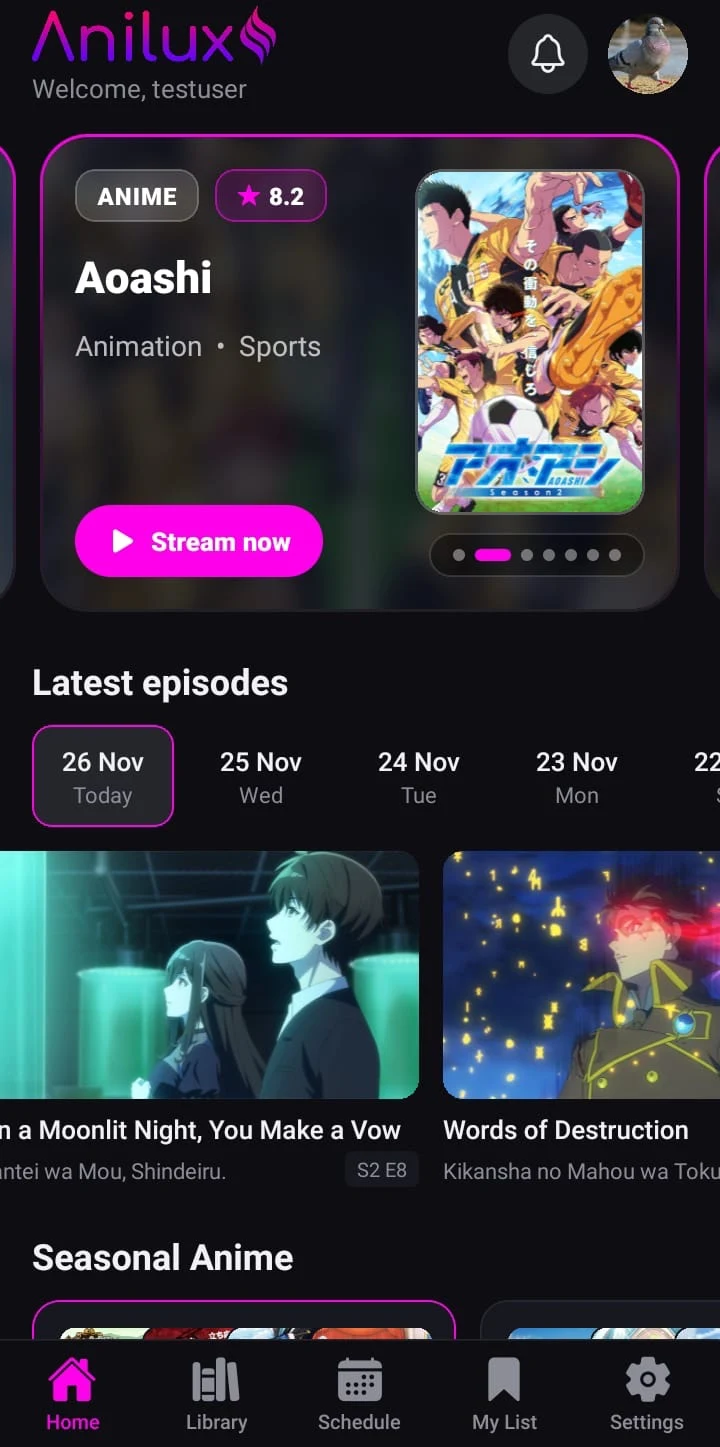
Home
Featured titles, latest episodes grouped by date and seasonal anime.
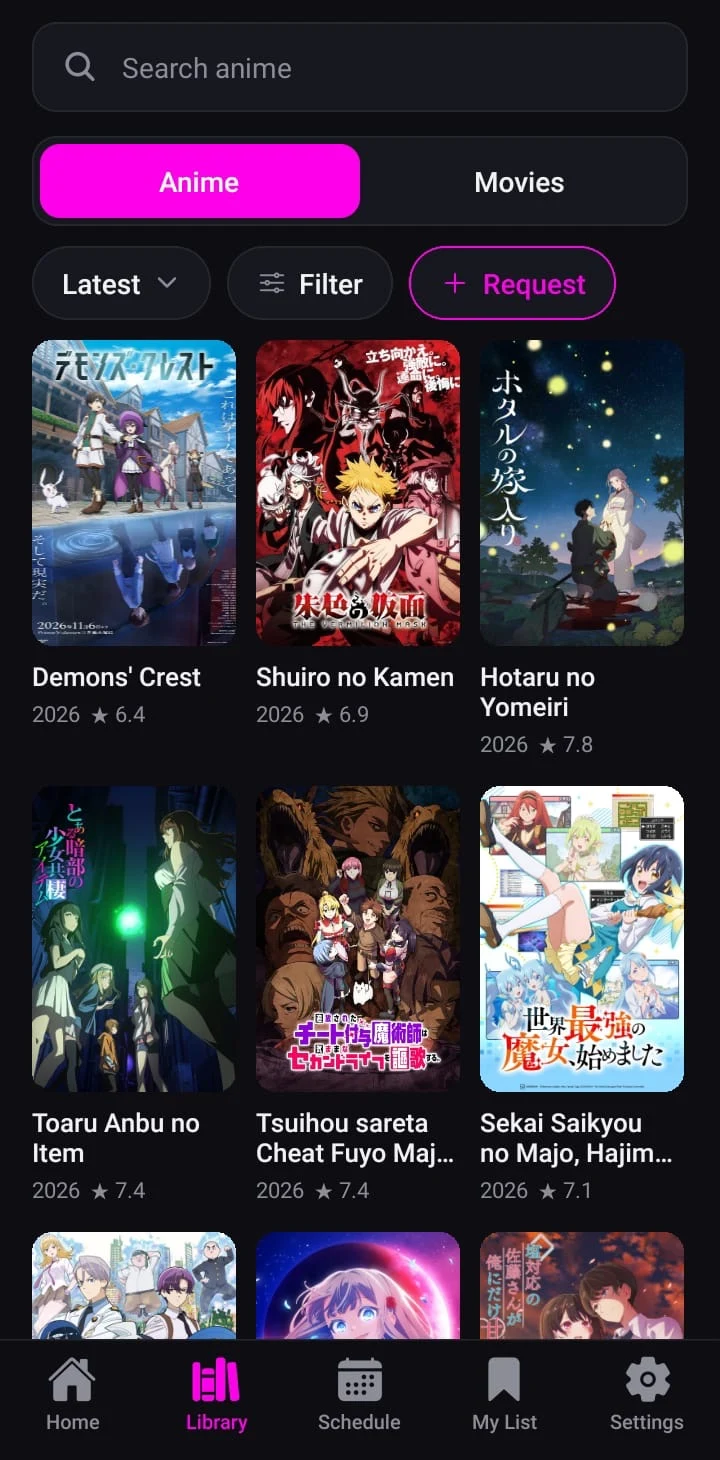
Library
Search anime or movies, sort and filter the results.
Missing something? Use the Request button.
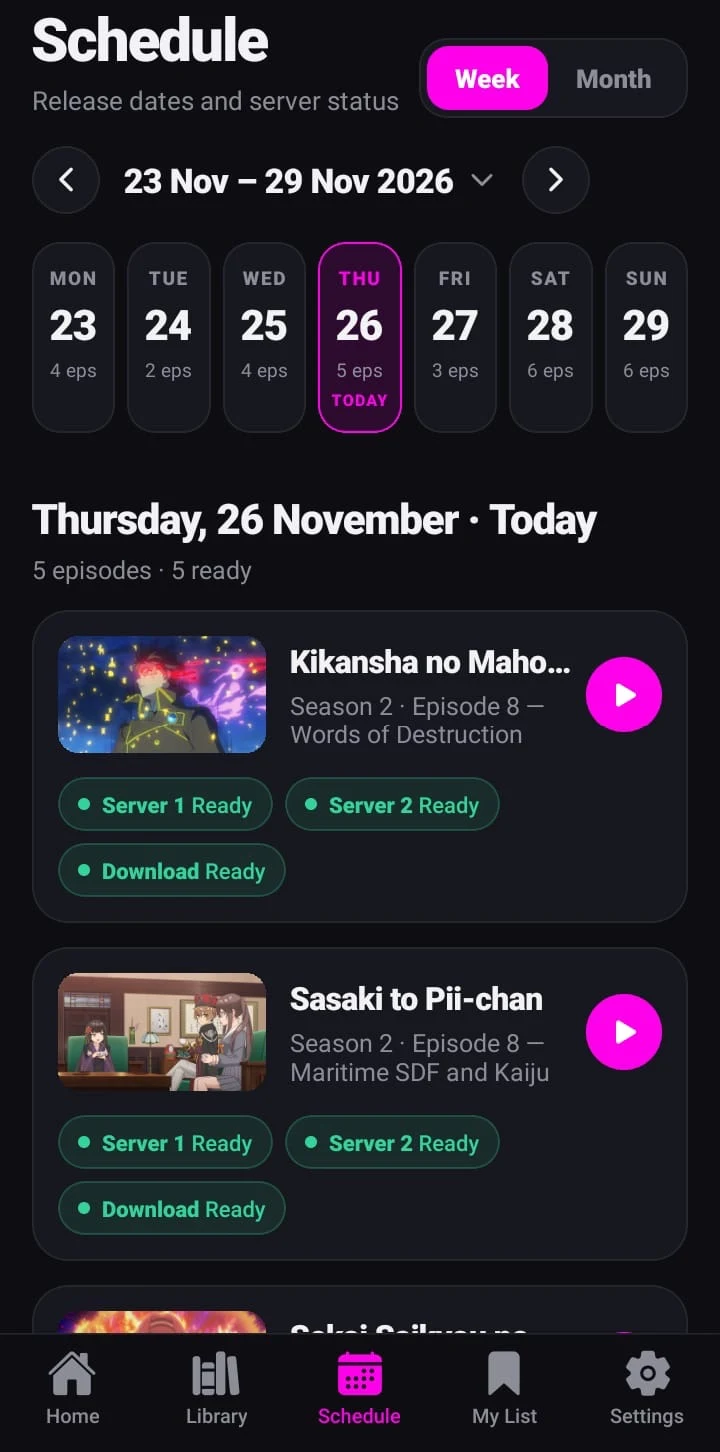
Schedule
See release dates by week or month.
Episode cards show the status of Server 1, Server 2 and Download.
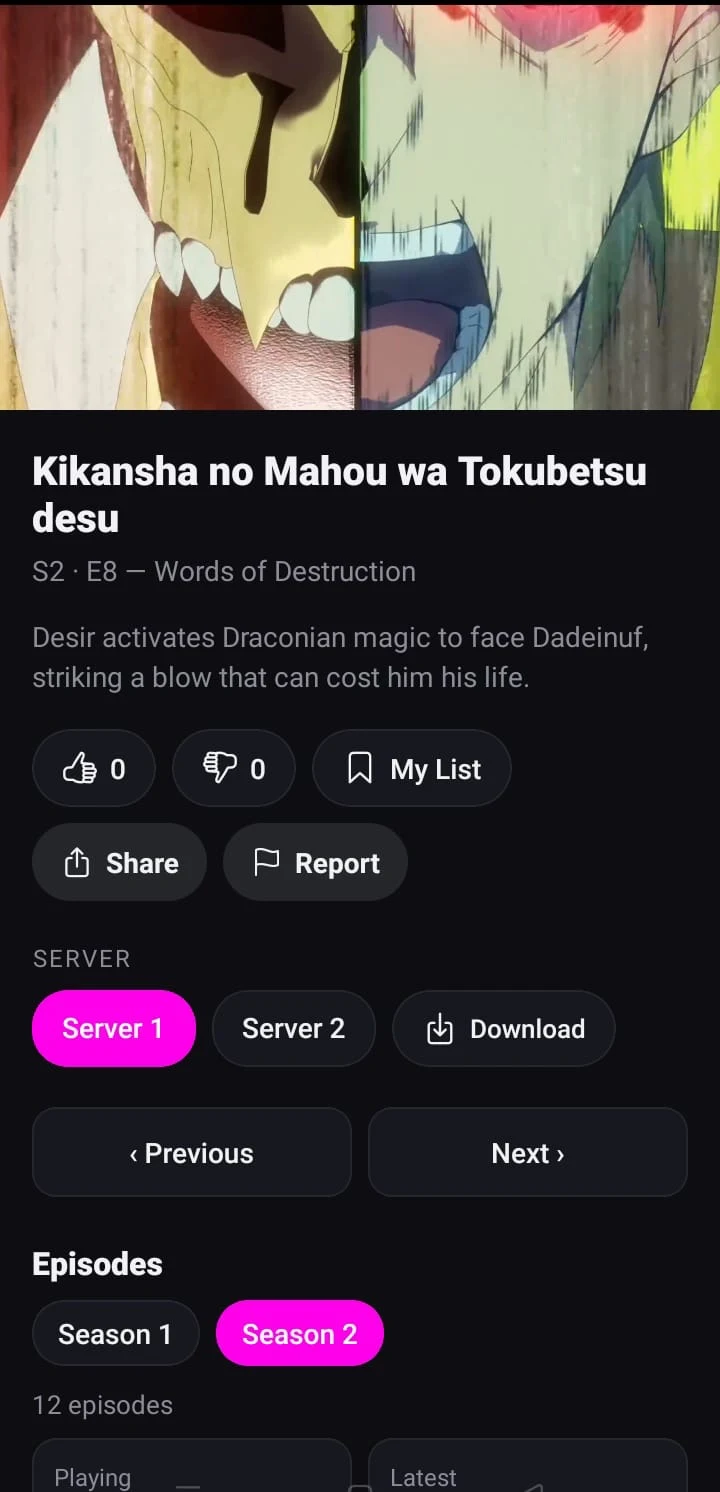
Episode page
Choose Server 1 or Server 2, or use the Download button.
Move between episodes and seasons, like or dislike, share, or send a report.
Fullscreen player
A landscape player with 10-second skip buttons, a seek bar and a quality setting.

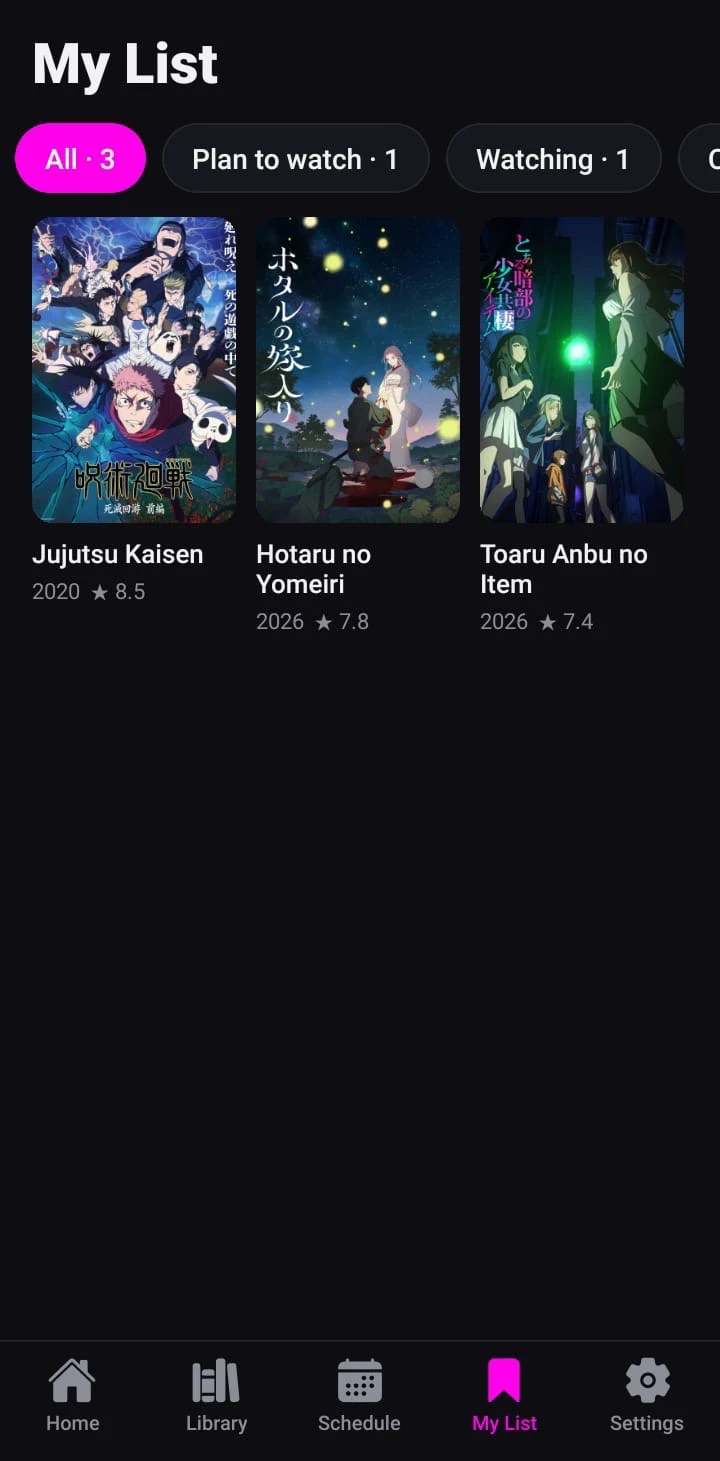
My List
View all saved titles or pick a status such as Plan to watch or Watching.
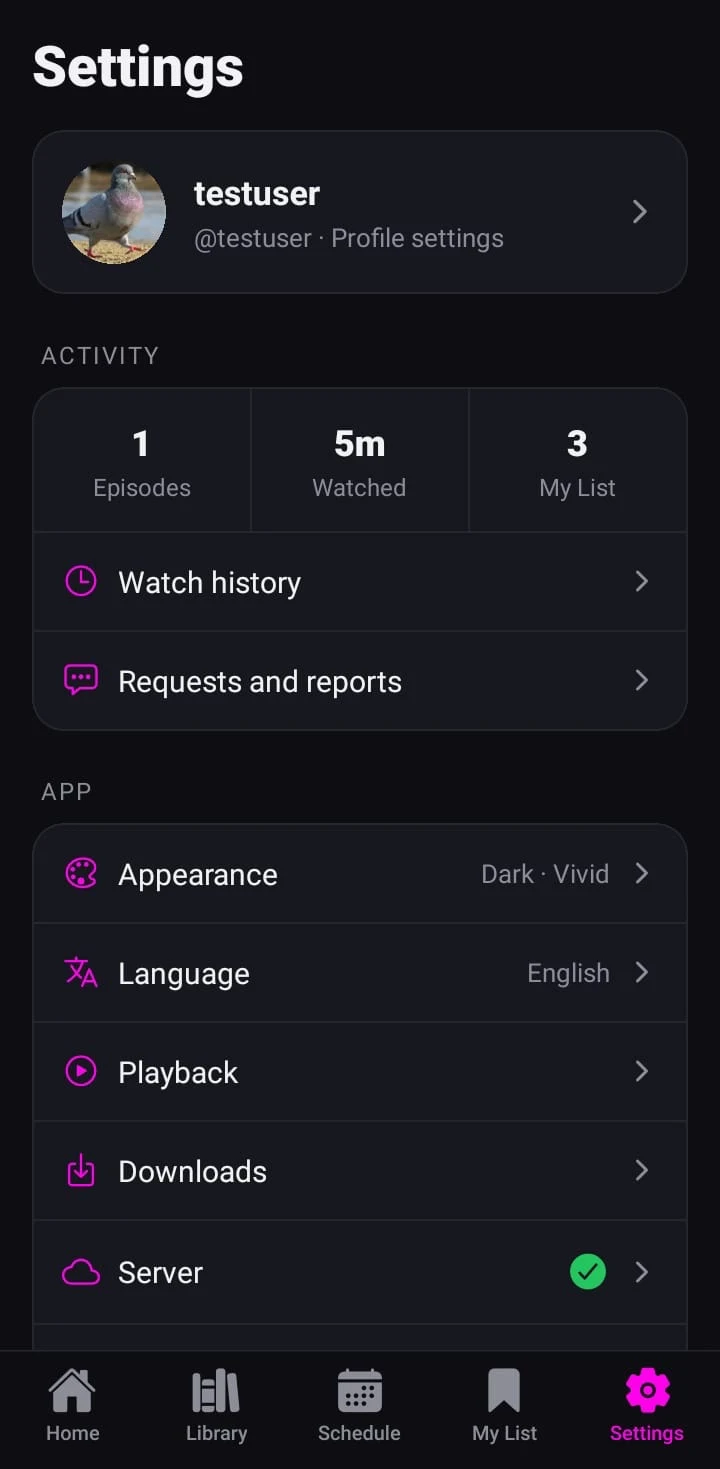
Settings
Find your profile, watch history, requests and reports, appearance, language, playback and download settings.